Restore Persistent Volumes (PVs) and Persistent Volume Claims (PVCs) from an Object Backup
Starting situation
-
You want to restore Persistent Volumes (PVs) and Persistent Volume Claims (PVCs)
-
The cluster manifests were deleted or corrupted
-
The underlying storage is a Cloudscale volume
-
The underlying volume still exists in the Cloudscale project
-
Prerequisites
-
You have extracted the manifest files according to Recover objects from backup
-
yqyq YAML processor (version 4 or higher - use the go version by mikefarah, not the jq wrapper by kislyuk) -
kubectlset up to access the target cluster
PV and PVC recovery
-
Identify the PVC in the backup and put it in a file called
pvc.yaml -
Extract the PV name from the PVC
PV_NAME=$(yq e '.spec.volumeName' pvc.yaml) echo "$PV_NAME" -
Put the PV manifest in a file called
pv.yaml -
Check the Cloudscale volume in the Cloudscale web interface to ensure it’s intact and available
-
Detach the Cloudscale volume from any existing Kubernetes nodes if it’s still attached
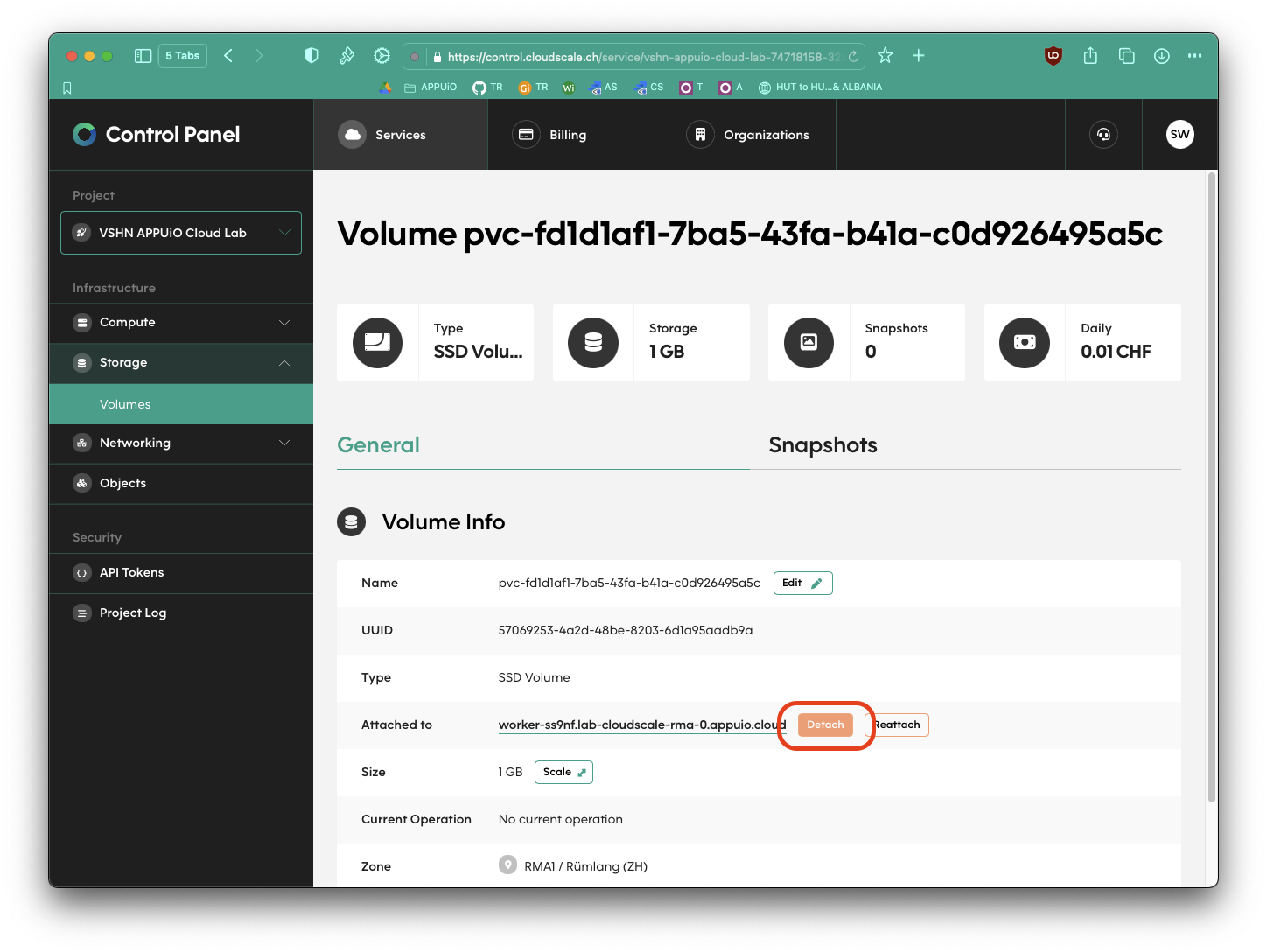
-
Edit
pv.yamland remove theclaimRefsection to make the PV unboundyq -i '.spec.persistentVolumeReclaimPolicy = "Retain"' pv.yaml yq -i 'del(.spec.claimRef)' pv.yaml -
Apply the modified PV manifest to the cluster
kubectl apply -f pv.yaml -
Strip annotations from the PVC manifest so that the controller rebinds it to the existing PV
yq -i 'del(.metadata.annotations)' pvc.yaml -
Apply the modified PVC manifest to the cluster
kubectl apply -f pvc.yaml -
Verify that the PV is now bound to the PVC
kubectl get pv "$PV_NAME" -oyaml | yq .status.phase